Introduction
Visual content plays an important role in how businesses communicate with customers online. From website banners and blog illustrations to social media graphics and advertising creatives, brands need images that capture attention and communicate ideas clearly. However, producing original visuals for every campaign can require significant time, design resources, and budget.
An AI image generator offers another way to approach this challenge. By describing an idea in a text prompt, users can generate original visual concepts without creating every element manually. Businesses can use these tools to explore creative directions, produce content variations, and support their marketing workflows.
For startups, agencies, ecommerce businesses, and content creators, AI image generation can make visual production more flexible and accessible.
What Is an AI Image Generator?
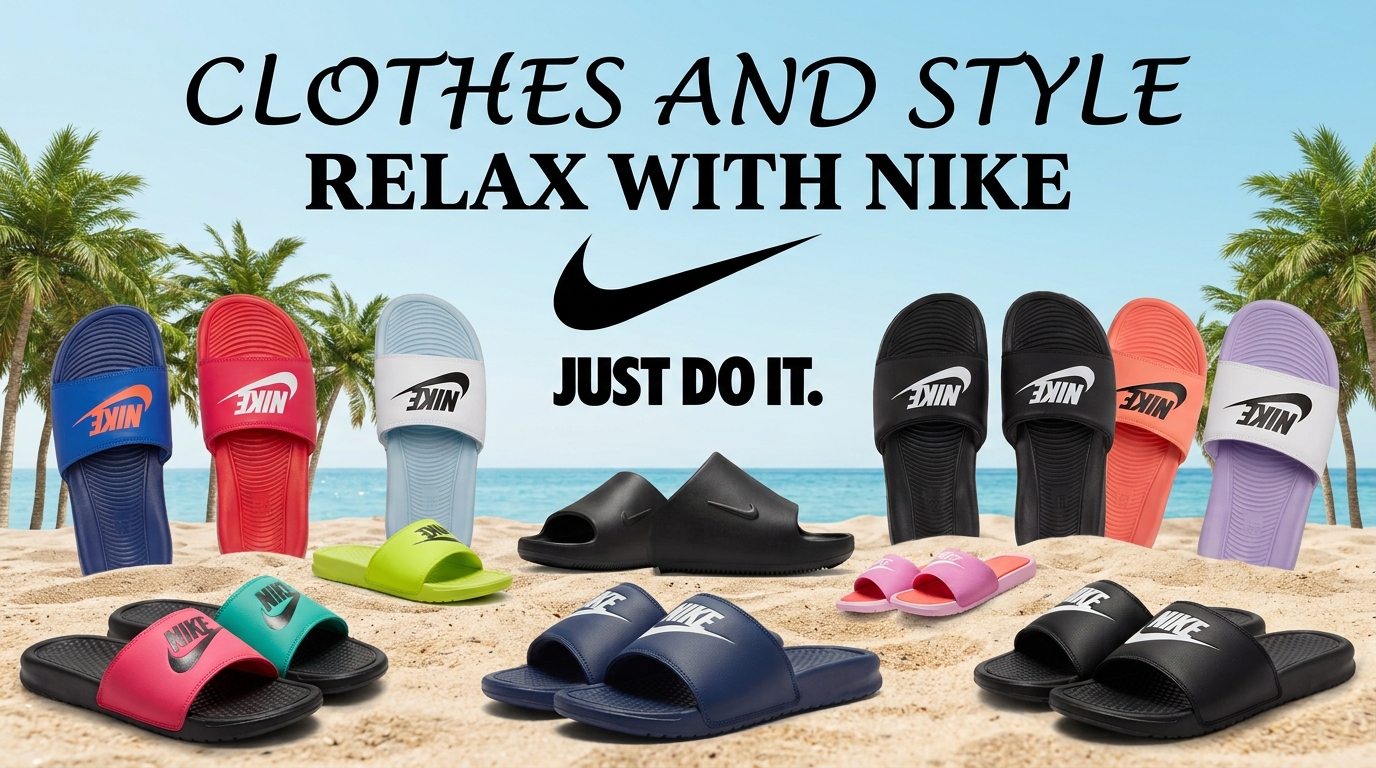
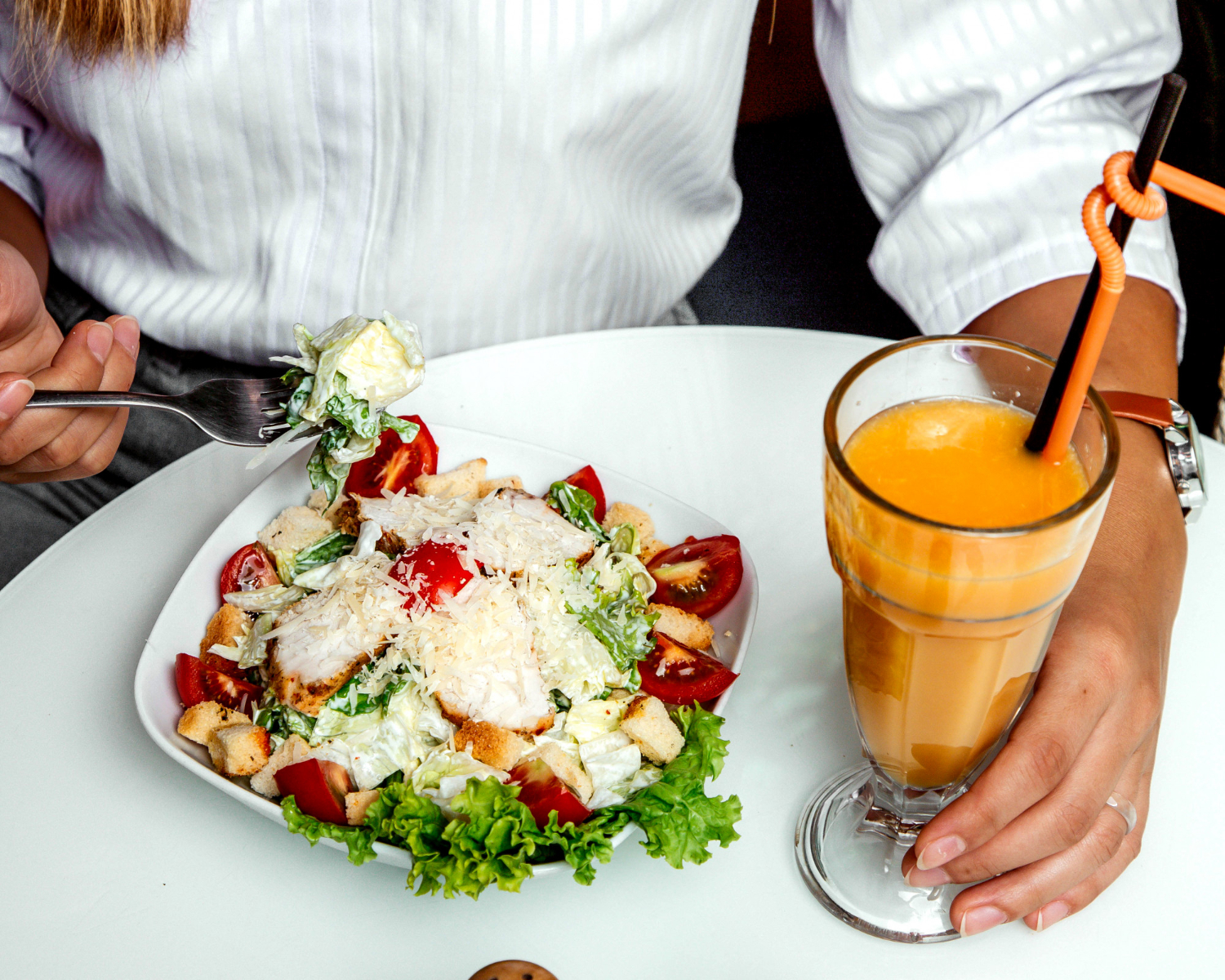
An AI image generator is a tool that uses artificial intelligence to create images from written instructions. Depending on the platform and model, users can generate illustrations, realistic scenes, conceptual artwork, product concepts, and other visual assets.
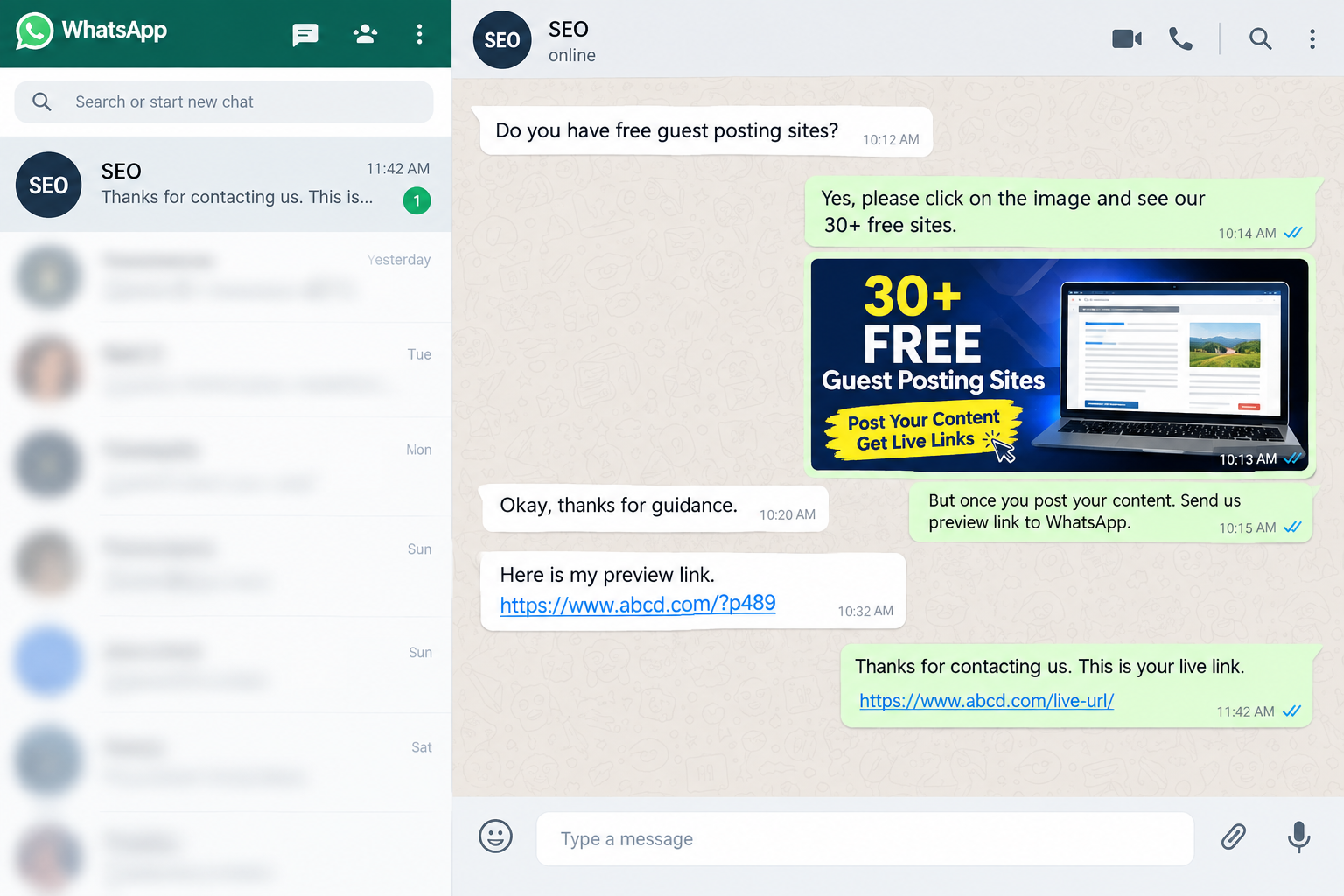
Instead of searching through stock libraries for an image that approximately matches an idea, users can describe the subject, setting, composition, lighting, and visual style they want.
For example, a business promoting sustainable packaging could request an image of recyclable packaging on a clean wooden surface, surrounded by natural materials and soft daylight.
The generated result can then be reviewed, refined, and prepared for its intended use.
1. Create Social Media Graphics More Efficiently
Social media marketing often requires a steady flow of fresh visuals. A single campaign might need different images for Instagram posts, LinkedIn updates, Facebook advertisements, and promotional announcements.
An AI image creation tool can help marketers explore several creative concepts without starting each design from scratch.
Potential applications include:
- Promotional campaign backgrounds
- Educational illustrations for carousel posts
- Visual concepts for LinkedIn content
- Seasonal campaign artwork
- Creative backgrounds for short-form videos
- Supporting images for brand announcements
The important step is to adapt each image to the platform and audience. A professional LinkedIn graphic, for example, may need a different visual treatment from an energetic Instagram promotion.
2. Improve Blog Content With Relevant Images
Images can help readers understand complex topics, navigate long articles, and recognize important sections. They can also make a blog post more suitable for sharing across digital channels.
AI-generated illustrations are particularly useful when an article discusses an abstract concept that is difficult to photograph.
Consider a blog about cybersecurity. Instead of using a generic stock photo, a writer could generate a visual showing a digital security shield protecting a network of connected devices.
For SEO-focused content, follow these practices:
- Create images that directly support the article’s subject.
- Use descriptive file names, such as
cybersecurity-network-protection.webp. - Write accurate alt text that describes the image for accessibility.
- Compress images and select suitable dimensions.
- Use original visuals where they genuinely improve the reader’s experience.
AI-generated images do not automatically improve rankings. Their value comes from relevance, usability, accessibility, and how well they support the page’s content.
3. Develop Advertising Creative Variations
Advertising performance depends on multiple factors, including the offer, audience, landing page, message, and creative presentation.
AI image generation can help marketing teams develop different visual directions before committing to a final campaign design.
For example, an online fitness brand could test concepts featuring a product in a minimalist studio, an outdoor training environment, or a lifestyle setting.
These variations can help teams investigate which visual approach resonates with their target audience.
However, generated images should be reviewed before publication. Product appearance, brand details, proportions, and other important visual elements may need correction. Advertising claims must also remain accurate.
4. Support Ecommerce and Product Marketing
Online stores need clear and attractive product imagery. While a dedicated AI product image tool may be more appropriate for final product photography, general AI image generators can support early-stage concepts, lifestyle scenes, and campaign backgrounds.
Businesses can use AI-generated visuals to explore:
- Product launch concepts
- Seasonal campaign themes
- Lifestyle imagery ideas
- Promotional backgrounds
- Creative directions for product collections
When the actual product must be represented accurately, use approved product photographs or reference images and verify the final output carefully. Generated visuals should not misrepresent a product’s features, materials, dimensions, or included accessories.

For specialized product-focused workflows, explore Pyxa AI’s product image tools.
5. Write Better Prompts for More Useful Images
The quality of an AI-generated image depends partly on the clarity of the instructions. A vague prompt gives the model considerable freedom to decide what the image should contain.
A more structured prompt communicates the intended subject, setting, style, composition, and use case.
For example:
Basic prompt: A modern office.
Improved prompt: Create a realistic editorial photograph of a modern technology startup office with natural window lighting, neutral colors, a clean desk, subtle computer equipment, and a professional atmosphere. Use a wide horizontal composition with negative space on the left for a website headline. Avoid visible logos and text.
The second prompt gives the model more useful direction.
A repeatable prompt structure is:
- Subject: What should appear in the image?
- Setting: Where does the scene take place?
- Style: Should it look photographic, illustrative, cinematic, or minimalist?
- Composition: Where should the subject and empty space appear?
- Lighting and colors: What visual mood should the image communicate?
- Output requirements: What aspect ratio or format is needed?
Generate several options when appropriate, then refine the strongest result rather than relying on the first output.
6. Maintain Brand Consistency Across Campaigns
Creating attractive images is only one part of an effective visual strategy. Businesses also need a consistent identity across their website, social profiles, advertisements, and other marketing materials.
To improve consistency, document your brand’s colors, preferred visual styles, audience, image dimensions, and composition guidelines.
Use these instructions in prompts whenever relevant. Review generated images against the same standards before publishing them.
AI tools can accelerate visual exploration, but human review remains important for maintaining brand identity and quality.
7. Choose an AI Image Generator That Fits Your Workflow
Not every AI image generator offers the same capabilities. Before selecting a tool, consider:
- Image quality: Does it produce visuals suitable for your intended use?
- Prompt control: Can you specify the details that matter?
- Model options: Are different visual styles or generation models available?
- Editing workflow: Can you refine results without repeatedly switching applications?
- Usage limits: What generation credits, restrictions, or export options apply?
- Commercial rights: Do the applicable terms allow your intended business use?
- Privacy: How does the platform handle uploaded images and prompts?
Pyxa AI provides a collection of visual creation tools designed to support image generation and related creative tasks. You can review the available features on the Pyxa AI Image Generator page.
Compare the available features and plan conditions against your actual requirements before choosing a solution.
Frequently Asked Questions
Can AI-generated images be used for business marketing?
They can be used for many marketing applications, provided the tool’s terms and applicable laws permit the intended use. Businesses should also check for misleading representations, trademark issues, recognizable people, and other rights-related concerns.
Can an AI image generator create images for blog posts?
Yes. It can produce illustrations, conceptual visuals, and supporting images for articles. Images should be relevant to the content and optimized for accessibility and page performance.
Do AI-generated images help with SEO?
Not automatically. Relevant original visuals can improve the usefulness of a page and support accessibility when implemented properly. Search visibility still depends on the overall quality, relevance, technical accessibility, and usefulness of the page.
How can I make AI-generated images look more professional?
Use specific prompts, define the intended composition, generate variations, and review the results carefully. Correct visible artifacts and ensure the final image matches your brand and publication requirements.
Is an AI image generator suitable for beginners?
Many tools accept natural-language prompts, making them accessible to people without professional design experience. Beginners can improve results by experimenting with descriptive instructions and reviewing the output before publication.
Conclusion
An AI image generator can help businesses explore creative ideas, support content production, and develop marketing visuals more efficiently. Its greatest value comes from combining rapid image creation with a clear brief, consistent brand guidelines, and careful quality control.
Whether you are a content marketer, small business owner, ecommerce seller, or digital marketing professional, a structured image-generation workflow can help you produce more relevant visuals without treating automation as a replacement for creative judgment.
Ready to explore AI-powered visual creation? Visit Pyxa AI’s Image Generator to learn more about its available image-generation capabilities.